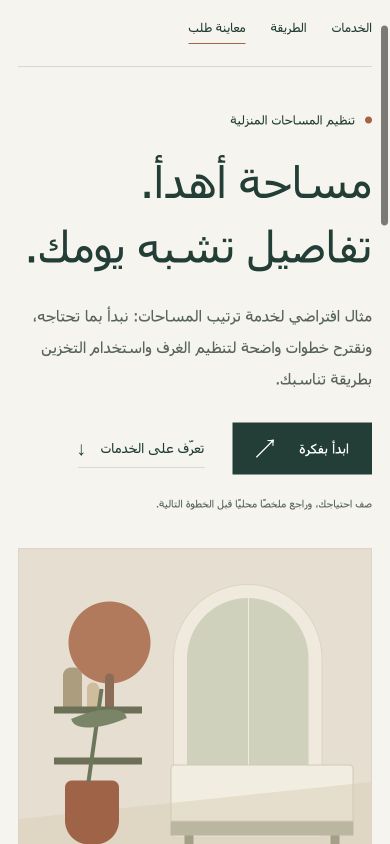
Arabic from the start.
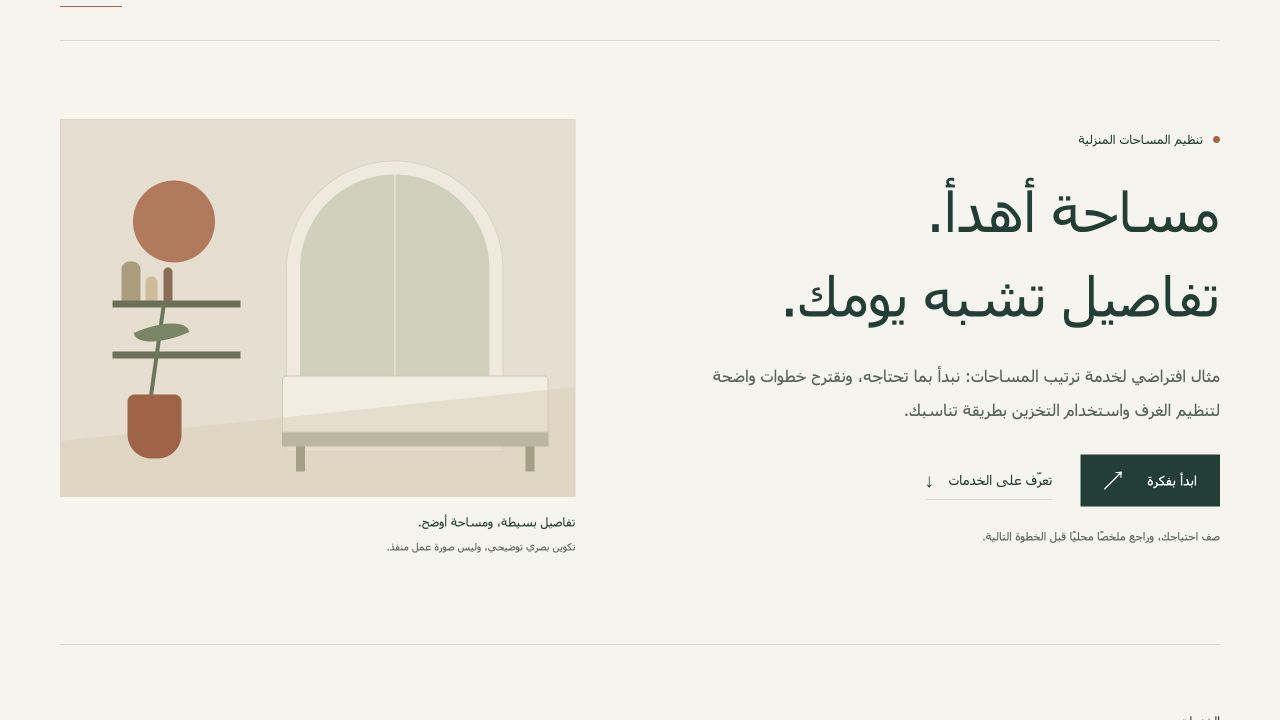
A hero, 1–6 services and 1–4 process steps. The generated page uses Arabic language and right-to-left direction, with responsive styles for narrow screens.
A free Arabic RTL starter
Build a service-business landing page from a JSON brief. Get editable HTML, CSS and JavaScript, with one responsive design and a local contact preview.
Inside the repository
For developers and small teams creating Arabic service pages. Start with the fictional example, then replace its content with your own verified business information.
A hero, 1–6 services and 1–4 process steps. The generated page uses Arabic language and right-to-left direction, with responsive styles for narrow screens.
A small JSON brief drives the Python generator. Keep the generated HTML, CSS and JavaScript together, then edit them with your usual tools.
Validate an inquiry, review its summary, and copy or download the text. This is a preview: nothing is sent, and no lead is received.
Run it yourself
The generator runs on your computer using the Python standard library. No packages, account or AI subscription are needed to generate a page.
Download the repository ZIP and extract it, or clone it from GitHub. Open a terminal at the repository root.
Run this command from the repository root:
python3 skills/arabic-landing-page-kit-lite/scripts/build_page.py \
  --brief skills/arabic-landing-page-kit-lite/examples/brief.json \
  --output work/my-page
You can also select and copy the command manually.
Choose a new output directory each time. Existing output is never overwritten.
Open work/my-page/index.html in your browser. Edit a copy of the example brief, then generate a new directory.
The brief contract explains the supported fields. Keep the generated files together when sharing or hosting the page.
Bring your own AI host
Copy the complete skills/arabic-landing-page-kit-lite folder into your own project. The skill guides the host through the brief, generator and handoff.
Access to Codex or Claude Code is separate. The local generator works without either host.
Read the skill sourceProject destination.agents/skills/arabic-landing-page-kit-lite/
Invoke with $arabic-landing-page-kit-lite
Project destination.claude/skills/arabic-landing-page-kit-lite/
Invoke with /arabic-landing-page-kit-lite
Example request“Use this skill to build an Arabic page for my service business from the supplied brief. Keep missing claims out and explain the local contact preview.”
Before you build
Yes. This Lite repository is MIT licensed, including commercial reuse with the required notice. The optional full kit is a separate product with its own commercial license.
No. The included form validates locally and opens a summary for copying or downloading. There is no backend, CRM or lead database. A real contact destination needs a separate implementation and review.
The generated page is Arabic. English, Arabic, Spanish and Simplified Chinese are documentation languages; they do not add translated versions of the page.
The repository contains static files and a generator. Hosting, a domain, AI-host access and a backend are separate. Review your content and contact setup before publishing a customer site.
Read the source and README on GitHub, or open an issue with reproducible steps. Avoid posting customer data or secrets.